Editor's Review
Tired of endless email threads and disorganized project files? 😩 Imagine collaborating smoothly with your team, turning ideas into results instantly, all within a secure, user-friendly platform. Google Chat streamlines your workflow, making teamwork more fluid than ever.
Join millions who are boosting productivity and cutting through communication chaos every day! ✨ Try it and see the difference. 🚀
Features
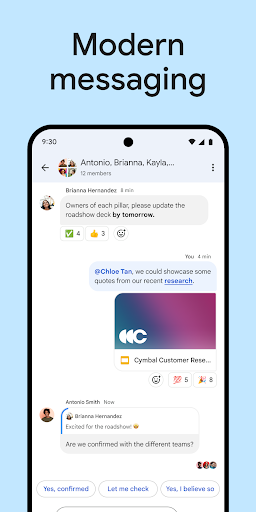
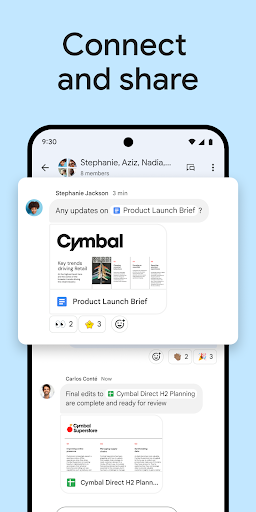
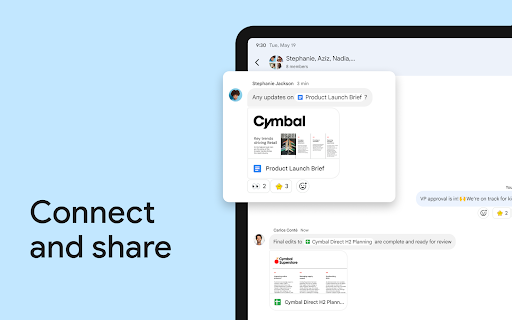
- Seamless Collaboration Create and share Google Workspace docs, sheets, and slides directly in chats, eliminating permission headaches. Perfect for teams needing quick content collaboration and real-time updates. 🤝 Speeds up project progress immediately. 🚀
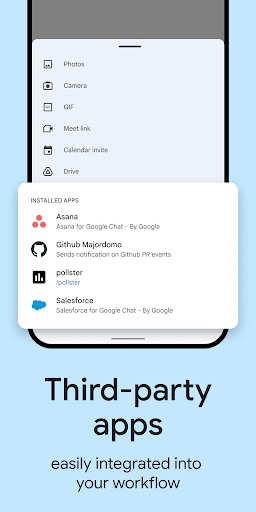
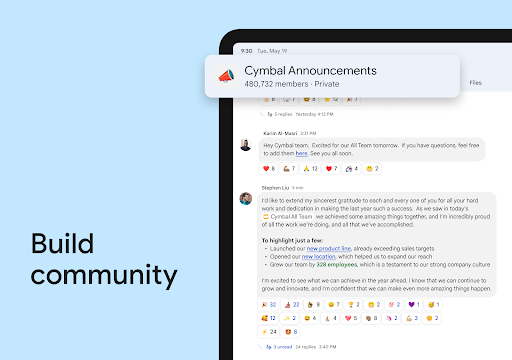
- Integrated Workspace Schedule meetings, plan events, assign tasks, and share files alongside editors. Great for project leads and coworkers who want a central hub for all work activities. 🗓️
- Search Quickly find specific chats and shared files using Google's robust search. Essential for anyone who needs to recall past conversations or locate key documents fast. 🔍 Saves valuable time. 💡
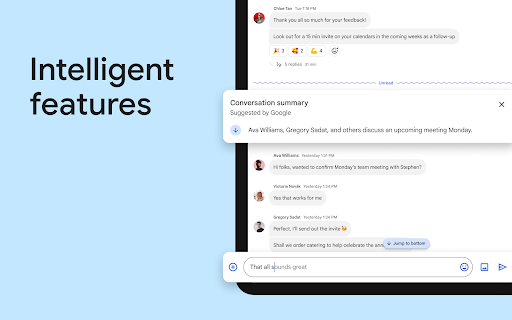
- Summaries on Mobile Users can now use Gemini AI to generate instant summaries of shared
- Google Docs PDFs, and Sheets within the mobile app. This allows for quick info gathering without opening other files or switching apps.
- Persistent Meet-to-Chat Conversations Messages sent during a Google Meet session are now automatically saved and accessible in a related Google Chat thread after the meeting ends. This ensures that shared links, comments, and important resources remain searchable and usable for everyone.
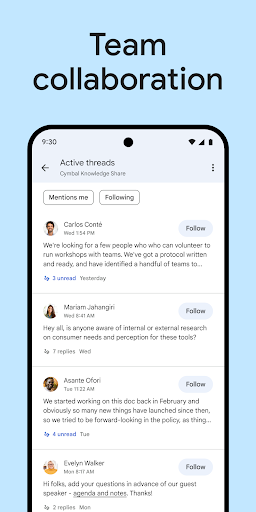
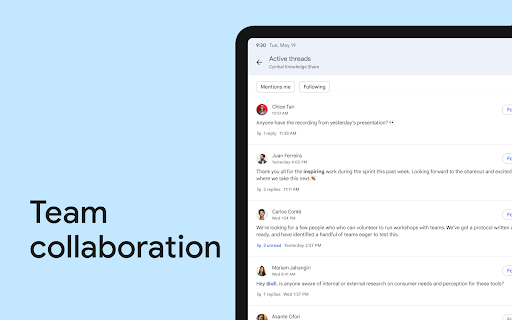
- Direct Messages The app now includes inline threading for one-on-one and group DMs, letting users reply to specific messages and create structured sub-conversations. This feature improves chat clarity and helps teams track multiple topics without cluttering the main screen.
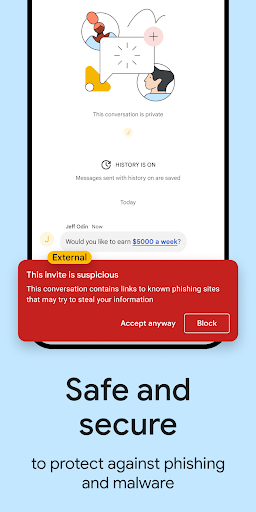
- Enhanced Security with Unknown
- Sender Blocking A new privacy option allows users to restrict incoming chat requests to only known contacts. This change gives users greater control over their inbox by actively blocking unwanted messages from strangers.
- Redesigned Navigation and Header The redesigned conversation header provides a cleaner interface and quicker access to shared files, tasks, and pins. This layout upgrade reduces cognitive load and helps users navigate between different collaboration tools more smoothly.
- Stickers Google Chat now includes a set of expressive stickers in addition to existing emojis and GIFs. This new feature gives users more creative ways to express mood and emotion in both work and casual chats.
- Gemini File Summaries on Mobile Users can now use Gemini AI to generate instant summaries of shared
Pros
- The integration with Google Workspace is game-changing, enabling seamless document sharing and collaborative editing without leaving the chat window, greatly accelerating teamwork and reducing app switching. Google Chat offers strong enterprise-level security features, including DLP and Vault, providing peace of mind for confidential conversations and ensuring compliance with company policies. The easy-to-use search capability makes finding past chats and shared files extremely simple, saving users significant time compared to older communication methods.